
Debug Production Bugs 10x Faster: Replace Video Replays with Activity Trails
 Andrea Sunny9 min read
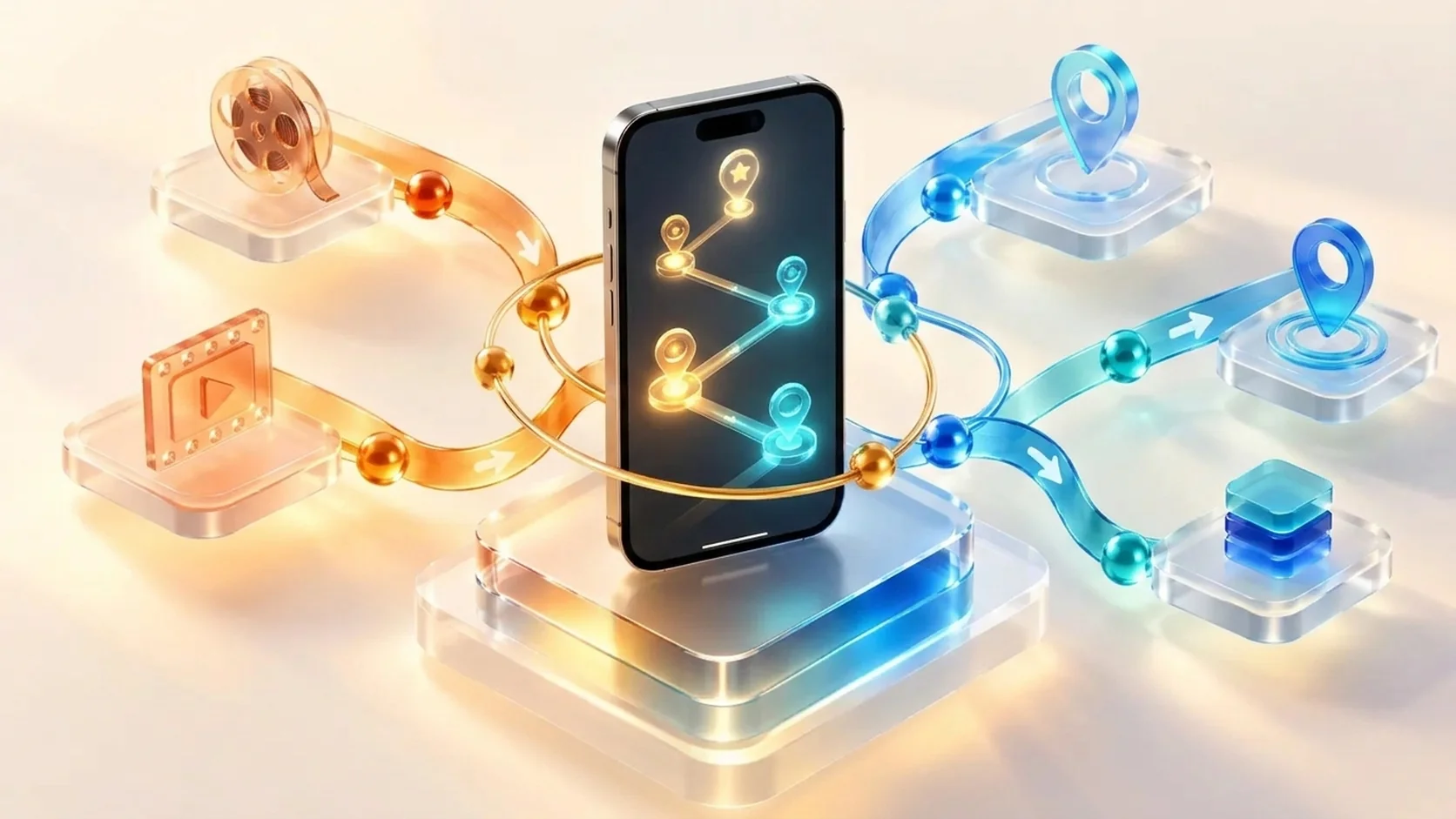
In our earliest client meetings, one question surfaced in almost every product discussion: why our dashboard did not include session replay. Teams evaluating observability tools often expect video playback of user taps, swipes, and screen recordings as the standard way to reproduce production defects. As engineers who build software ourselves, we evaluated what session replays actually deliver during an active incident. The reality is that sitting through hours of video recordings drains engineering hours without surfacing root causes. Evaluating session replay vs activity trail reveals why structured telemetry, aggregated user journeys, and direct agent access through MCP solve production issues faster.
The feedback from our early client demos
When we first demonstrated Appxiom to engineering teams, several evaluators pointed to tools like FullStory, LogRocket, or Smartlook. They asked why they could not press play and watch an end user interact with their application. Some prospective clients considered video replays an indispensable safety net for diagnosing complex bugs.
Our decision to omit video replay was not an oversight. We built Appxiom to eliminate the guesswork of production triage, not to create another video streaming console. When an app crashes or an ANR freezes a checkout flow, developers do not need visual entertainment. They need to know the state of the app, the sequence of interactions, and the exact lines of code that failed.
The core engineering problem behind session replay
Developers inspect recordings with one practical goal: identify where the defect happened and write a fix. Video recordings make that job harder rather than easier for four distinct reasons.
First, two devices running into the exact same bug often arrive there through completely different user flows. A customer on an older Android device might open the application from a cold start, browse three categories, add an item to their cart, and trigger a crash on checkout. Another customer on a flagship iOS device might tap a deep link from an email campaign, open the checkout screen directly, and trigger the identical failure.
If an engineer relies on session replays, they must sit and watch both recordings end to end. Scrubbing through ten minutes of user scrolling, accidental mis-taps, and pauses between screens does not explain why the crash occurred. It only reveals what the screen looked like while the failure was brewing.
Second, video replays show visual symptoms rather than code causes. A recording might show a spinner freezing or a white screen appearing after a button tap. It cannot tell you whether the freeze stemmed from a database lock on the main thread, an unhandled HTTP 502 response, or a race condition in local storage state restoration.
Third, session replays do not aggregate. Ten thousand users experiencing a broken checkout flow generate ten thousand video files. No engineering team has the time to watch even a fraction of those sessions to determine whether they share a common failure pattern.
Comparing session replay against activity trails
The distinction between visual session playback and structured event trails comes down to the kind of data an engineer needs to reproduce and fix a bug.
| Capability | Traditional Session Replay | Appxiom Activity Trail & User Journeys |
|---|---|---|
| Investigation speed | 5 to 15 minutes of video scrubbing per session | Instant chronological view of taps, routes, and state |
| Root cause visibility | UI symptoms such as spinners or blank screens | Precise runtime telemetry, thread status, and network payload data |
| Issue aggregation | Individual video clips requiring manual review | Unified user journeys mapped across all affected devices |
| Privacy and compliance | High PII risk requiring heavy element masking | Zero pixel recording, semantic event metadata only |
| SDK runtime cost | High CPU overhead, DOM serialization, and data usage | Low memory footprint and minimal event payloads |
| AI agent integration | Incompatible with LLM context windows | Structured JSON native to the Model Context Protocol (MCP) |
When you replace video scrubbing with structured events, you remove the noise and preserve the exact signals required for debugging.
How activity trails and user journeys structure the facts
Instead of recording video frames, Appxiom captures an activity trail. An activity trail is an ordered log of semantic milestones: screen changes, button presses, background lifecycle transitions, network requests, and occurrence telemetry leading directly to a failure.
These trails do not live in isolation. Appxiom groups them under user journeys. When an error hits your release, our dashboard maps every occurrence to the specific business funnel it interrupted, calculating the Goal Friction Impact and overall Quality Score.
A developer investigating an issue opens the dashboard and receives an answer to three questions:
- Where did the journey break? The dashboard shows the drop-off point inside the funnel, whether in authentication, cart review, or final payment.
- What steps led to the issue? The activity trail shows the exact sequence of events leading up to the incident across multiple devices.
- What was the system state? Occurrence telemetry provides the symbolicated stack trace, memory profile, thermal status, and thread states.
You can read more about how this approach eliminates reproduction guesswork in our guide on debugging release regressions with activity trails.
An illustrative debugging scenario
Consider an e-commerce application where customers encounter checkout errors after an update.
The session replay approach
The support desk forwards three user reports. The assigned developer opens the session replay console:
- The first recording runs for seven minutes. The user spends four minutes reading product reviews, adds two shirts to their cart, enters a discount code, edits their shipping address twice, and taps place order. The screen shows a generic error dialog.
- The second recording runs for four minutes. A different user opens a saved cart, removes one item, changes shipping speed, and taps place order. The screen shows the same error dialog.
- The developer spends twenty minutes watching both clips. They still cannot see whether the discount code caused the failure, whether the address update failed, or what the backend returned.
The activity trail approach
With Appxiom, the developer opens the checkout user journey. Every occurrence links to a single, chronological activity trail:
[
  { "event": "screen_view", "screen": "CartViewController", "timestamp": "14:02:10.120" },
  { "event": "user_tap", "target": "apply_coupon_button", "timestamp": "14:02:12.440" },
  { "event": "network_call", "url": "/api/v2/discounts/apply", "status": 200, "duration_ms": 140 },
  { "event": "user_tap", "target": "submit_order_button", "timestamp": "14:02:13.010" },
  { "event": "network_call", "url": "/api/v2/orders/checkout", "status": 409, "duration_ms": 65 },
  { "event": "exception", "type": "OrderConflictException", "message": "Cart modified while checkout lock pending" }
]
The trail exposes the defect in seconds: users who double-tapped or submitted an order while the coupon network call was completing triggered an unhandled HTTP 409 state conflict. The engineer understands the race condition immediately without watching a single frame of video.
The power play: connecting activity trails to AI coding agents via MCP
The fundamental flaw of session replay becomes even clearer when you look at how software development is changing. AI coding agents such as Claude Code, Cursor, and Antigravity can analyze codebases and draft patches in seconds. But an AI agent cannot watch a session replay video.
Feeding 40 MB of MP4 data or hundreds of DOM mutation frames into a model exceeds token limits, costs money, and produces hallucinations. As discussed in our analysis of why AI coding agents need production visibility, an agent needs compact, high-signal data.
Appxiom delivers that data directly through the Model Context Protocol (MCP). Our MCP endpoint exposes your production telemetry directly to your coding assistant:
https://app.appxiom.com/ax/app/api/mcp
Using the @appxiom/mcp-skills package, you can equip your agent with skills for evaluating telemetry, severity, quality metrics, and goal friction:
npx @appxiom/mcp-skills add all
Once connected, you no longer need to copy logs or describe reproduction steps. You prompt your agent inside your IDE:
"Query Appxiom for the highest friction issue in the checkout journey, inspect its activity trail, and propose a fix."
The agent queries Appxiom, retrieves the activity trail and occurrence telemetry in roughly 400 tokens, identifies the conflicting state in your repository, and writes a test to verify the fix. You can see a concrete platform example in our walkthrough of how Appxiom MCP accelerates debugging for iOS teams. That workflow turns debugging into a direct resolution loop that video replay tools cannot match.
Privacy and client runtime overhead
Beyond developer speed, session replay creates ongoing operational headaches for mobile and web teams.
Video recording and DOM serialization require substantial client resources. Continuously capturing canvas elements, encoding video frames, or recording every layout mutation drains device battery, consumes CPU threads, and increases cellular bandwidth usage. In contrast, Appxiom tracks lightweight lifecycle and interaction events, keeping performance overhead negligible.
Privacy compliance is equally critical. Video replay tools record actual user interfaces, which can capture sensitive inputs such as personal identifiers, passwords, payment details, and private communications. Preventing data leaks requires teams to maintain manual masking rules across every screen. A single unmasked view can result in significant regulatory exposure.
Activity trails avoid this liability by design. Appxiom records semantic interactions and system state without capturing raw screen pixels or private text input. Your telemetry remains compliant with privacy regulations without constant auditing.
Better evidence builds faster fixes
Session replay appears compelling in sales presentations, but engineering teams need diagnostic speed, not video archives. Watching recordings of differing user flows across multiple devices wastes valuable time while hiding the underlying code failures. By pairing activity trails with user journey mapping and MCP integration, Appxiom gives developers and AI coding agents the exact facts they need to diagnose, verify, and resolve production bugs immediately.
Connect your coding assistant to our MCP server using our guides for Android, iOS, Flutter, and Web, or explore the platform at Appxiom.
Related posts
 Product
Your AI Coding Agent Can Write the Fix, But It Can't See Production
Coding agents write fixes fast but have no view of production. Learn how MCP and skills give agents the journey, stack trace and impact data they need.
Robin Alex Panicker10 min read
 Product
Why Function Tracking is the Better Approach to Mobile App Bug Reporting
Why function tracking beats crash logs for mobile bug reporting: see what your app was doing, with function parameters, timing and failures.
Andrea Sunny4 min read
 Product
The AI Coding Agent Playbook: How the Best Developers Work 50 Percent More Efficiently
A field guide for engineers using AI coding agents: spec-driven development, context hygiene, agentic TDD, bounded execution and adversarial audits.
Robin Alex Panicker22 min read